Log a set in one tap.
The lifting tracker with a rest timer on your Lock Screen. No account. No internet. No bloat.
- iPhone, iOS 26
- Unlimited routines, free
- Works in Airplane Mode
Saturday, 29 August
9:41
Barbell bench press
The rest timer as it appears on the Lock Screen.
Rest timer, on your Lock Screen.
Finish a working set and the countdown starts on its own — Lock Screen, Dynamic Island, StandBy. Put the phone down and it stays in front of you.
When rest is over, RawRep tells you which set is next. Add 30 seconds or skip in a tap when you pick the phone back up.
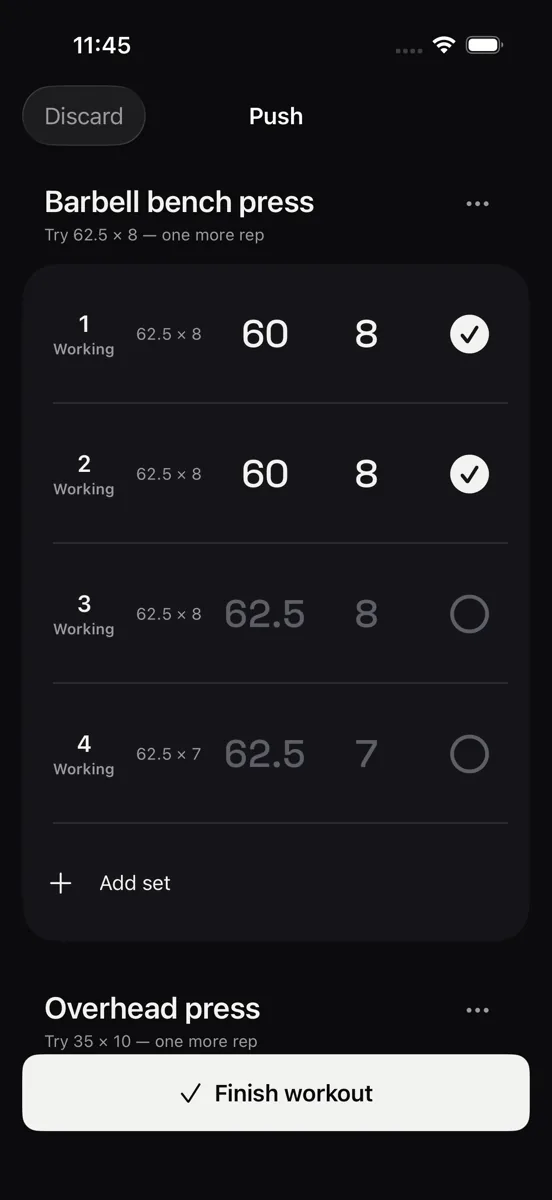
One tap logs the set.
Every row already shows what you lifted last time, ghosted in place. Tap the ✓ and those numbers are logged.
Set 3 is pending. Tap the ✓ to log it.Logged. The row now reads 62.5 × 8 — exactly what it showed.
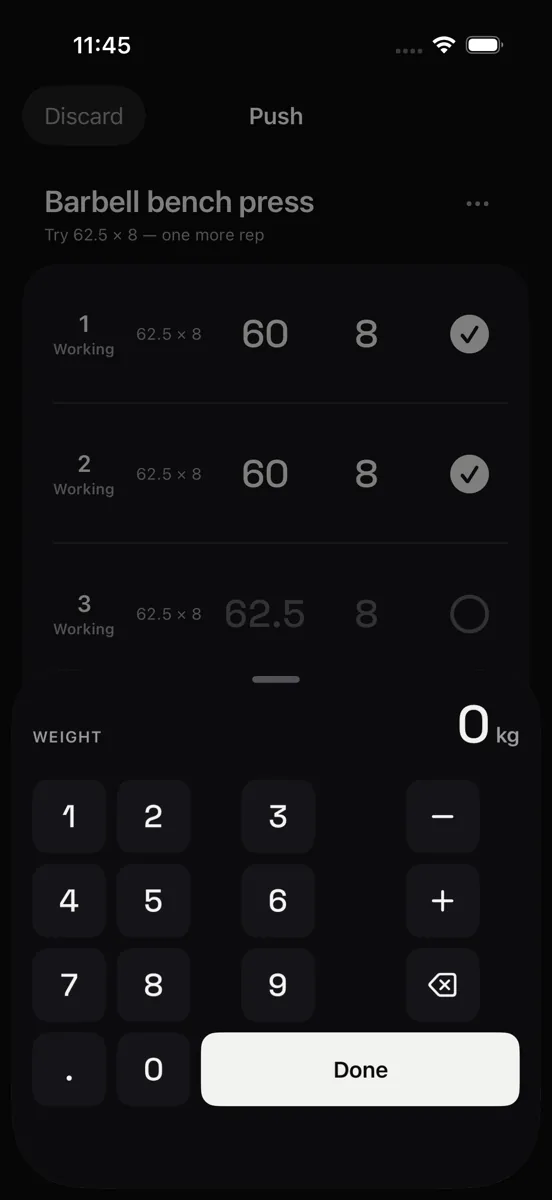
Changing a number opens a keypad sized for a bar in your other hand — never the system keyboard.
-
Last time, in place
Weight and reps from your last session sit in the row, greyed out, so you can see exactly what one tap will write.
-
Steppers that match the plates
±2.5 kg and ±1 rep, rounded to what you can actually load, in whichever unit you use.
-
Saved before you look up
Every tap writes straight to the phone. No sync, no spinner, nothing to lose if the app closes mid-workout.
Free is actually free.
Unlimited routines and unlimited logging, forever. No three-routine cap, no trial countdown on the part you came for.
$0 / forever
Everything the workout needs.
- Unlimited routines and exercises
- Unlimited set logging
- Lock Screen rest timer
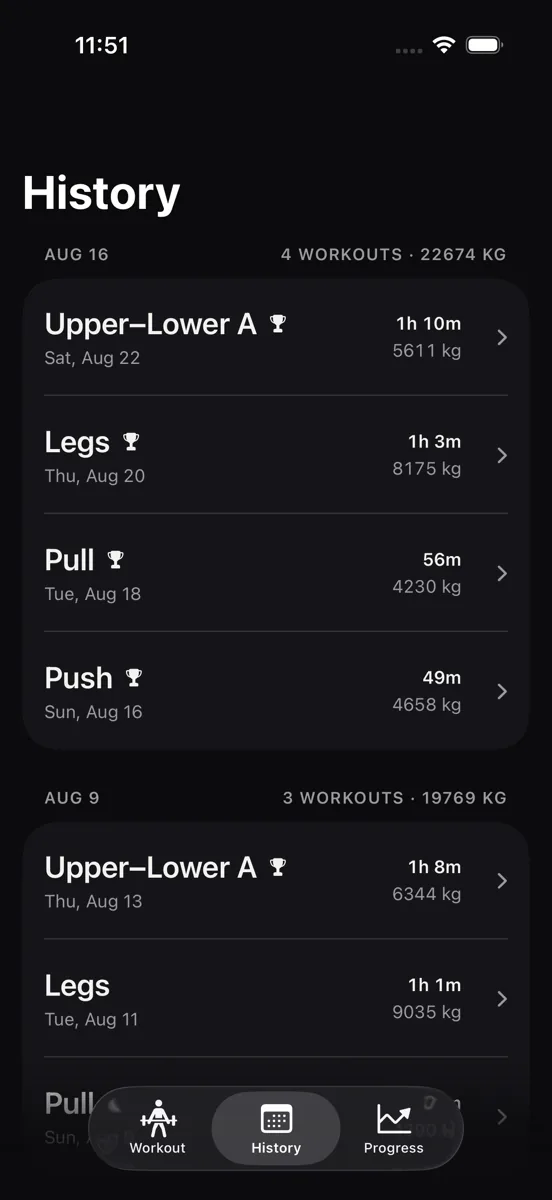
- Full history and personal records
- Progressive-overload targets from your last session
- CSV and JSON export
- Works in Airplane Mode
$19.99 / year
7-day free trial. Cancel any time.
- Analytics — e1RM trend, top-set weight, weekly volume by muscle group
- Plate calculator, per side, for your own plate set
- Apple Health — writes your finished workouts
Yearly 7-day trial $19.99
Monthly $3.99
Lifetime one payment $49.99
Your data is yours.
No account to make, no server to trust. Every set you log lives in a database on your phone.
- Nothing to sign into. No email, no password, no profile — there is nothing that could identify you.
- On your device. Routines, sets and history are stored locally. The workout screen has no network code in it at all.
- Yours to take. Export everything as CSV or JSON whenever you want. Export is free, not a Pro feature.
The one exception, stated plainly: RawRep sends anonymous usage counts to TelemetryDeck so we can see which features get used — never your weights, reps, or exercise names, and never an advertising identifier. You can turn it off in Settings. The full detail is in the privacy policy.
Frequently asked.
Does it work without internet?
Yes — all of it, from the first launch. Routines, logging, the rest timer, history and export run entirely on the device. The only thing that needs a connection is buying Pro, because Apple handles the payment.
Do I need an account?
No. There is no sign-up, no email, and no login screen. You open the app and start a workout.
What is free, and what is Pro?
Logging is free and uncapped: unlimited routines, unlimited sets, the Lock Screen rest timer, full history, and CSV and JSON export. Pro adds analytics, the plate calculator, and writing workouts to Apple Health — $19.99 a year with a 7-day trial, $3.99 a month, or $49.99 once for lifetime.
Does the rest timer keep running when the phone is locked?
That is the point of it. The timer runs as a Live Activity, so it stays on the Lock Screen, in the Dynamic Island and in StandBy, and you get an alert when rest is over. Adding 30 seconds or skipping happens in the app.
Can I get my data out?
Any time. Settings → Your data gives you a CSV with one row per set, or a JSON file of everything, which you can send wherever you like. It costs nothing and needs no account. See Support for the steps.